 AI Baby Generator Team
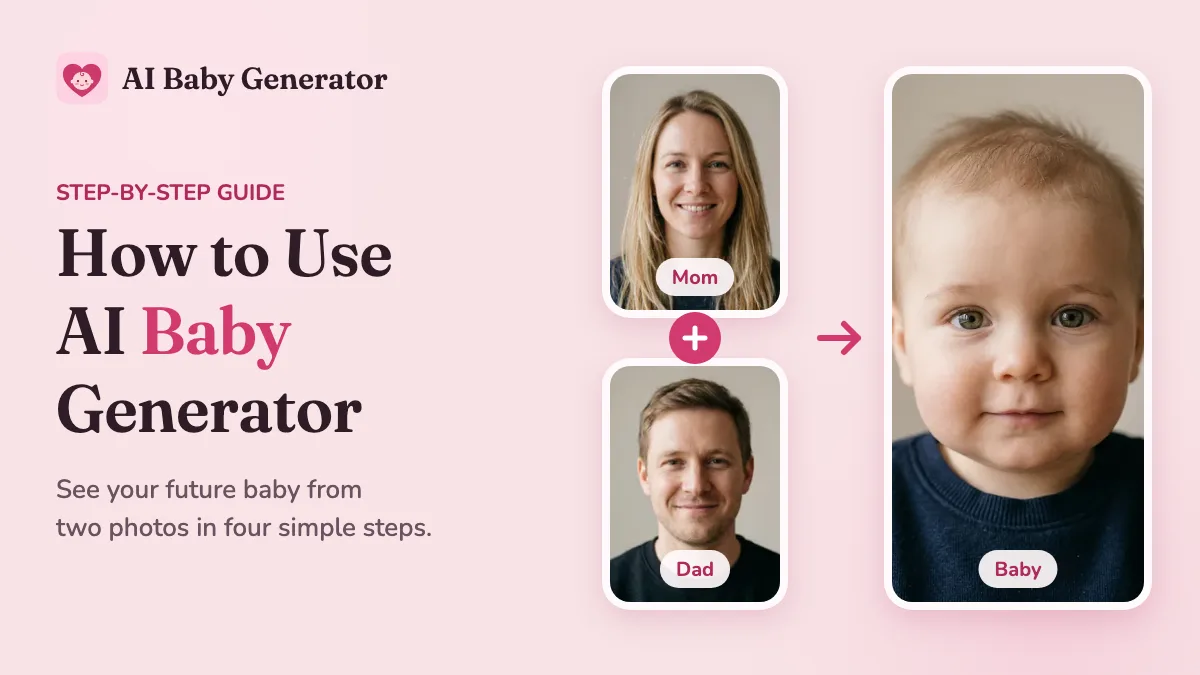
AI Baby Generator shows you what your future baby might look like from one photo of each parent. Pick a boy, a girl, or twins, choose an age from baby to teen, and get a realistic photo in seconds. You can even turn it into a short video.
How to use AI Baby Generator
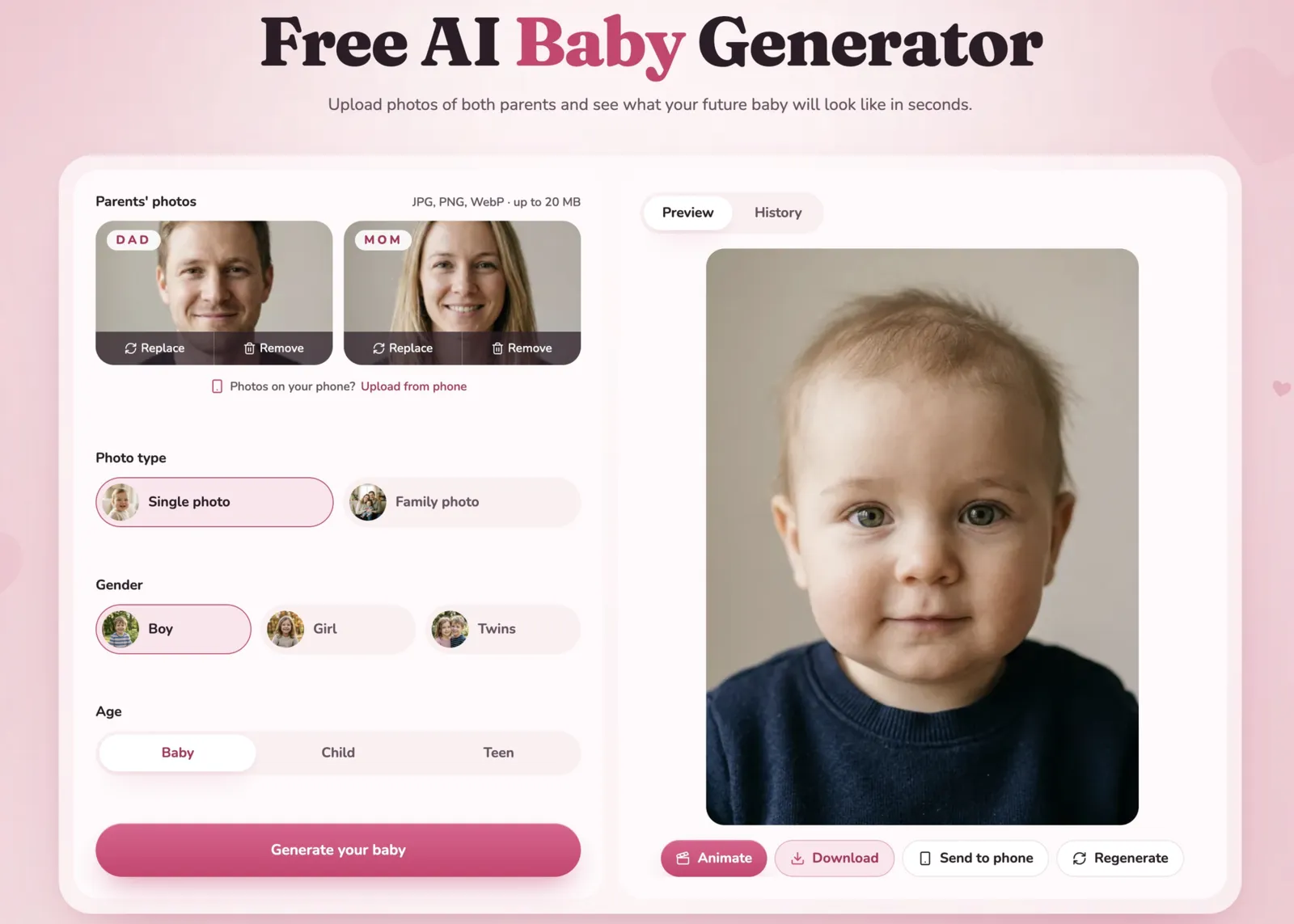
1. Upload both parents' photos
Add one photo of Mom and one of Dad. JPG, PNG, and WebP photos up to 20 MB work. If you're on a computer and the photos are on your phone, scan the QR code to send them straight across.
2. Choose your settings
Pick a photo type: a single baby photo, or a family photo with both parents. Then pick a gender (Boy, Girl, or Twins) and an age (Baby, Child, or Teen).
3. Generate your baby
Click Generate your baby. Your photo is ready in seconds. The first time, you'll be asked to start the $2.99 3-day trial, which includes 5 photos. After the trial, Premium is $19.99/month and also lets you turn your photos into videos. You can cancel your subscription anytime. If a generation fails, your credits are refunded automatically.
4. Download, share, or animate
Click Download, or use Send to phone to save it on your phone. Click Regenerate for another version with the same settings. With Premium, click Animate to turn your photo into a short video with sound in a few minutes.
Everything you make is saved in My Creations, so you can come back to it later.
Tips for better results
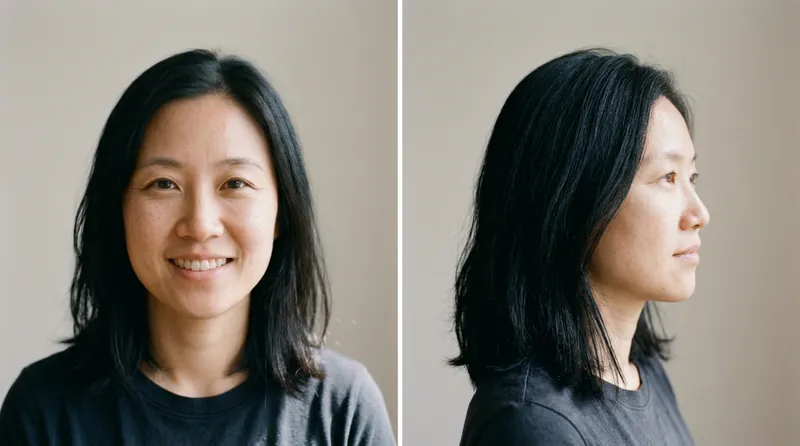
- Look straight at the camera. A front-facing photo shows the eyes, nose, and face shape clearly, so the AI has more to blend.
- Use bright, natural light. Daylight shows true skin tone and eye color. Dark or backlit photos hide the details the AI needs.
- Skip sunglasses, hats, and filters. Anything that covers or changes the face makes the result look less like either parent.
- Use one person per photo. In a group photo, the AI may pick up the wrong face. A solo photo of each parent works best.
- Try different genders and ages. The same two photos can give a very different boy, girl, or teen, so try a few to see them all.
FAQ
Is AI Baby Generator free?
You can upload both photos and try all the settings for free. To create your baby photo, start the $2.99 3-day trial to get 5 photos with no watermark.
How accurate is AI Baby Generator?
It's made for fun and curiosity. The AI blends visible features from both parents' photos, not real DNA or genetics, so a real baby can look quite different. Don't use it for medical or family decisions.
Can I make a family photo with both parents?
Yes. Choose Family photo as the photo type, and you'll get a photo of both parents with their baby.
Can I turn my baby photo into a video?
Yes. Videos are included in the Premium plan. Click Animate under any photo, and in a few minutes you'll have a short video with sound.
Are my photos private?
Yes. Your photos and results are private to your account. We never publish them, show them to other users, or use them in marketing. You can delete them anytime.
Start with two photos
Upload a photo of each parent, choose a gender and an age, and meet your future baby in seconds.